Pay for credits with Alipay or WeChat Pay
Add credits accepts Alipay and WeChat Pay as one-time payments in US dollars, next to Card and Google Pay.
We added Alipay and WeChat Pay to Add credits. If you pay that way, you no longer need a card to top up: both now sit in the Add credits dialog next to Card and Google Pay.
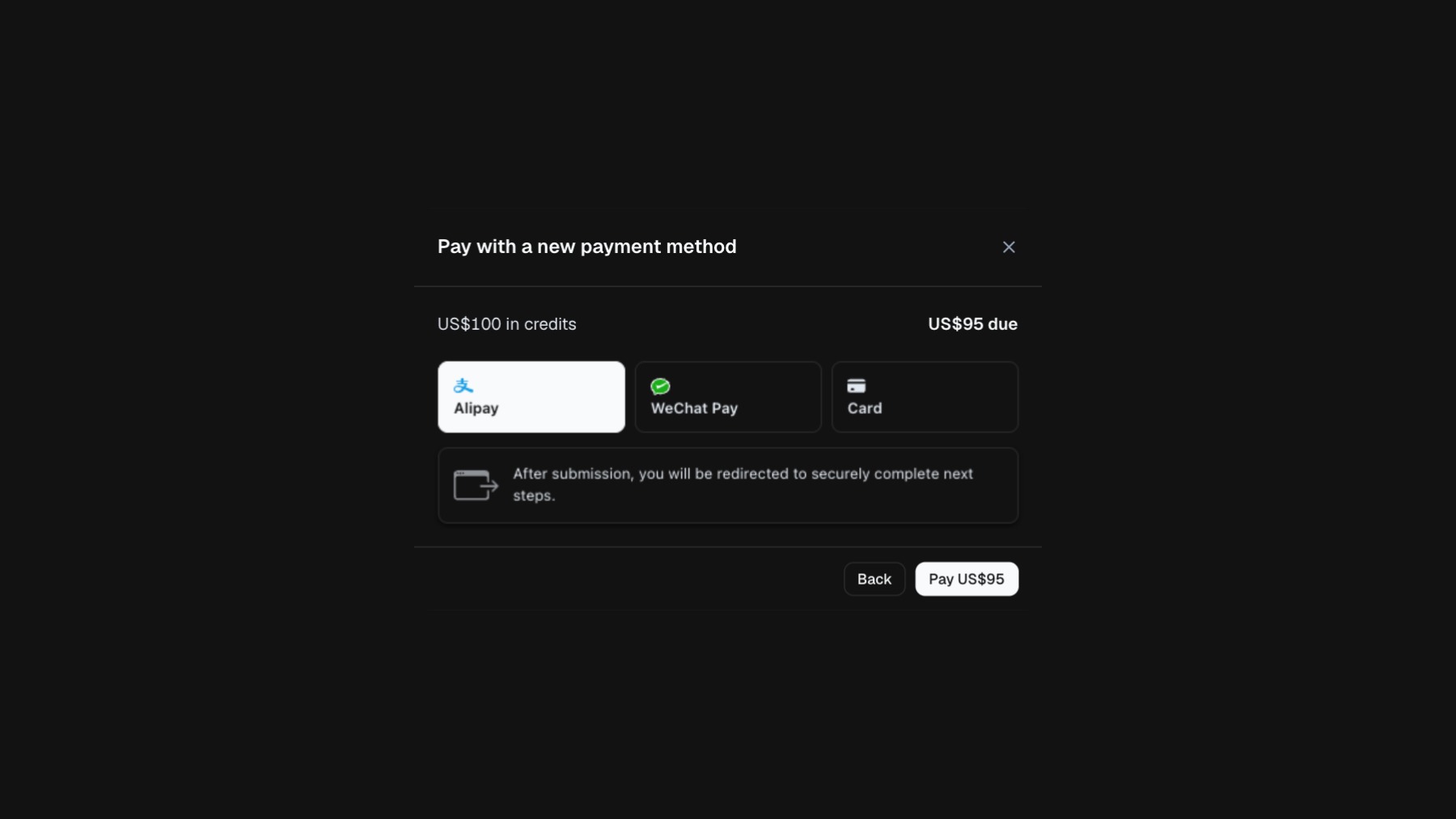
How it works
- Pick an amount, choose Alipay or WeChat Pay, and pay. Amounts are in US dollars.
- Credits are added once, when the payment succeeds. A failed or cancelled payment adds nothing.
- Both are one-time payments. They are never saved to your account, so they cannot fund Auto-reload.
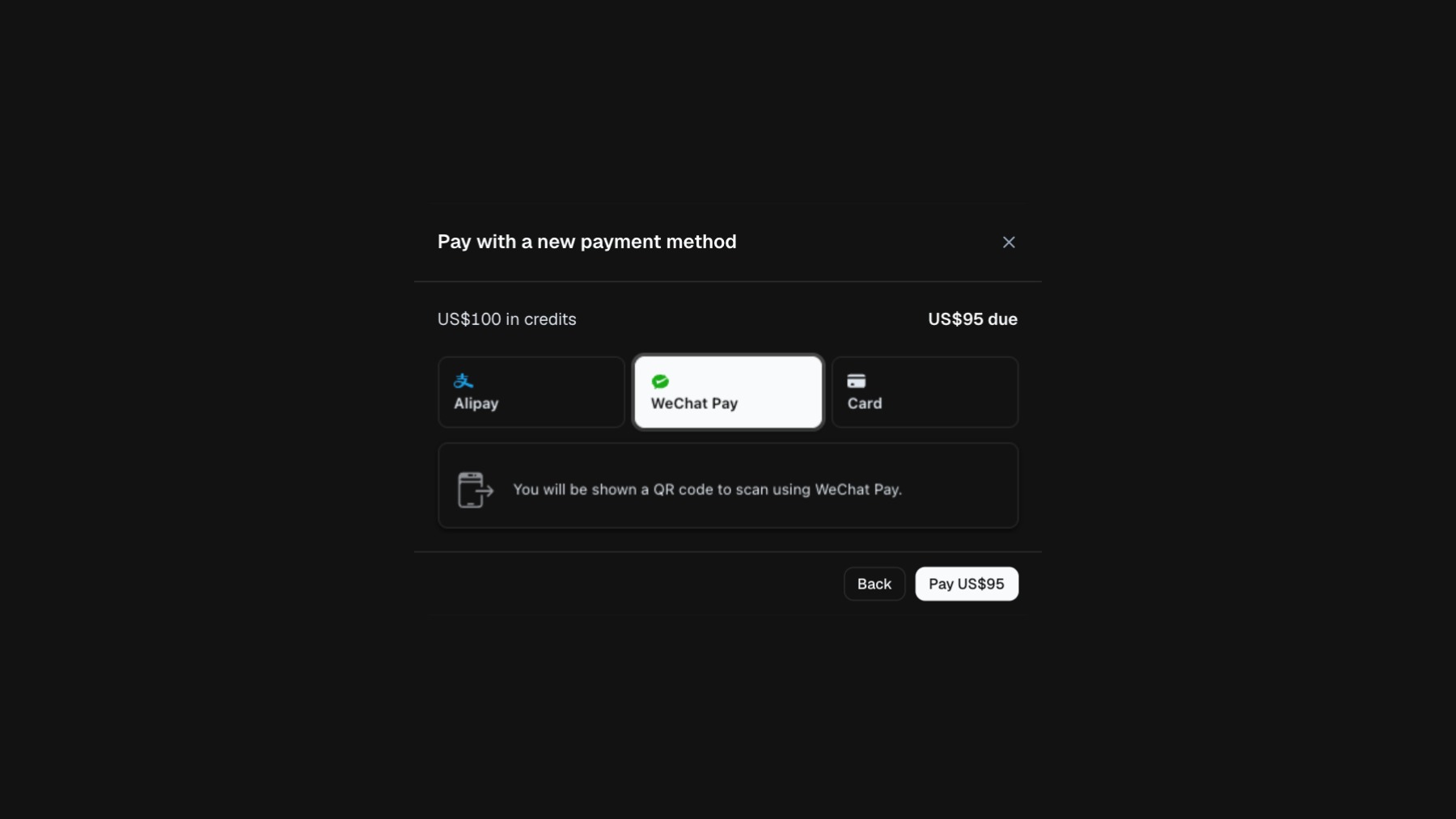
Who can use which
Each method has limits set by Stripe, who processes the payment. Read them before you rely on one:
| Method | Limit | Details |
|---|---|---|
| Alipay | For customers in China | Alipay docs |
| WeChat Pay | For business-to-consumer sales only | WeChat Pay docs |