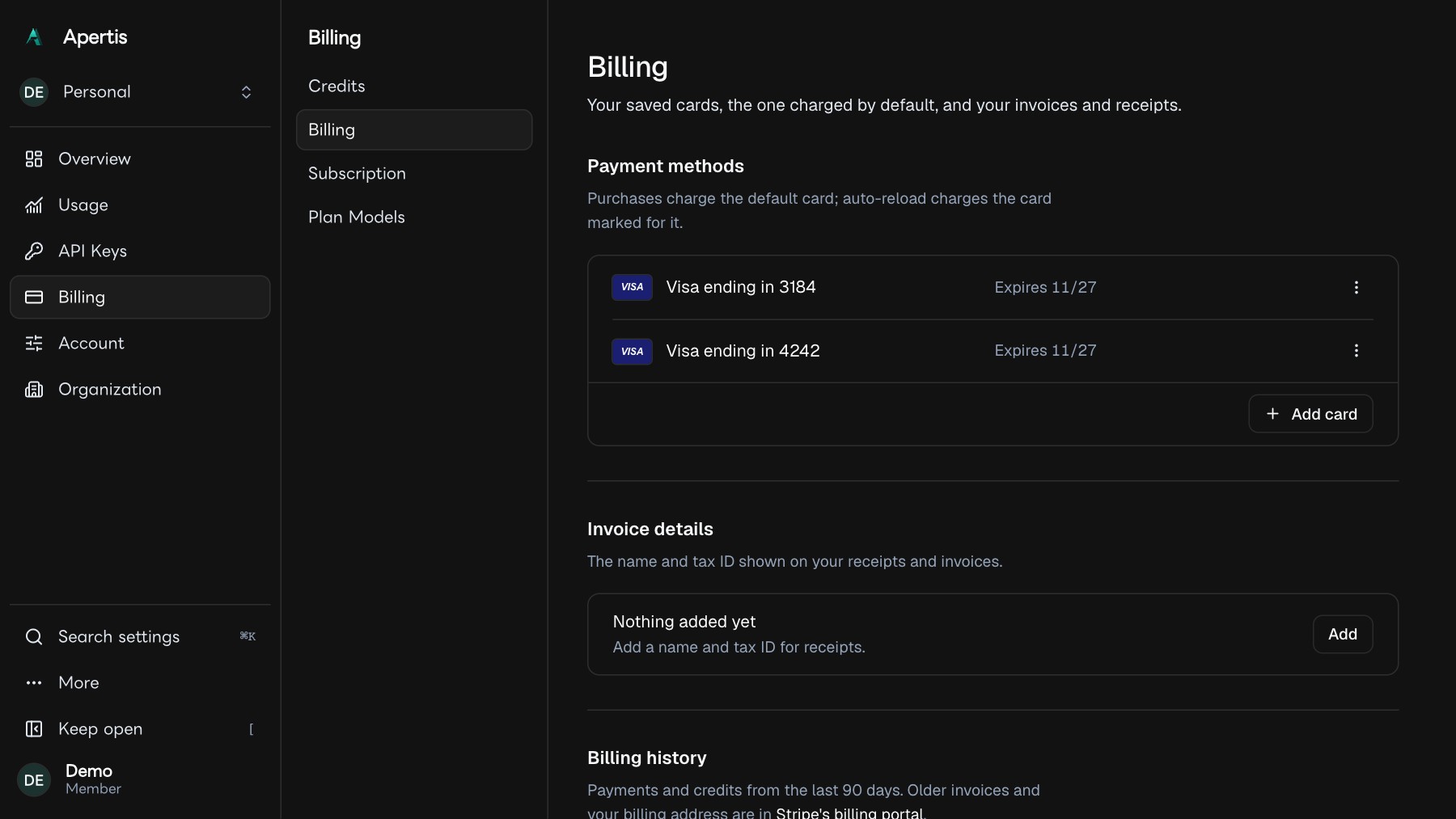
Upgrade your plan with a 3D Secure card
An upgrade on a card whose bank asks for 3D Secure used to fail; now the bank's confirmation step opens in the dashboard and the plan changes once it confirms. A failed renewal shows its next retry date with Pay now, and Settings has a Billing tab.
We fixed plan upgrades on cards whose bank asks for 3D Secure. An upgrade on such a card used to fail; now your bank's confirmation step opens in the dashboard and the upgrade applies once the bank confirms. When a renewal payment fails, the dashboard now shows the date of the next automatic retry and lets you pay now, and a new Billing tab keeps your cards, invoice details and billing history in one place.
Upgrade with a 3D Secure card
In Settings, choose a higher plan and review the change. When you pay, and your bank asks to confirm the charge, its confirmation step opens on the page. Your plan changes only after the bank confirms; then the page reads "You're on the Pro Plan, billed monthly", and the charge and its receipt are in your billing history.
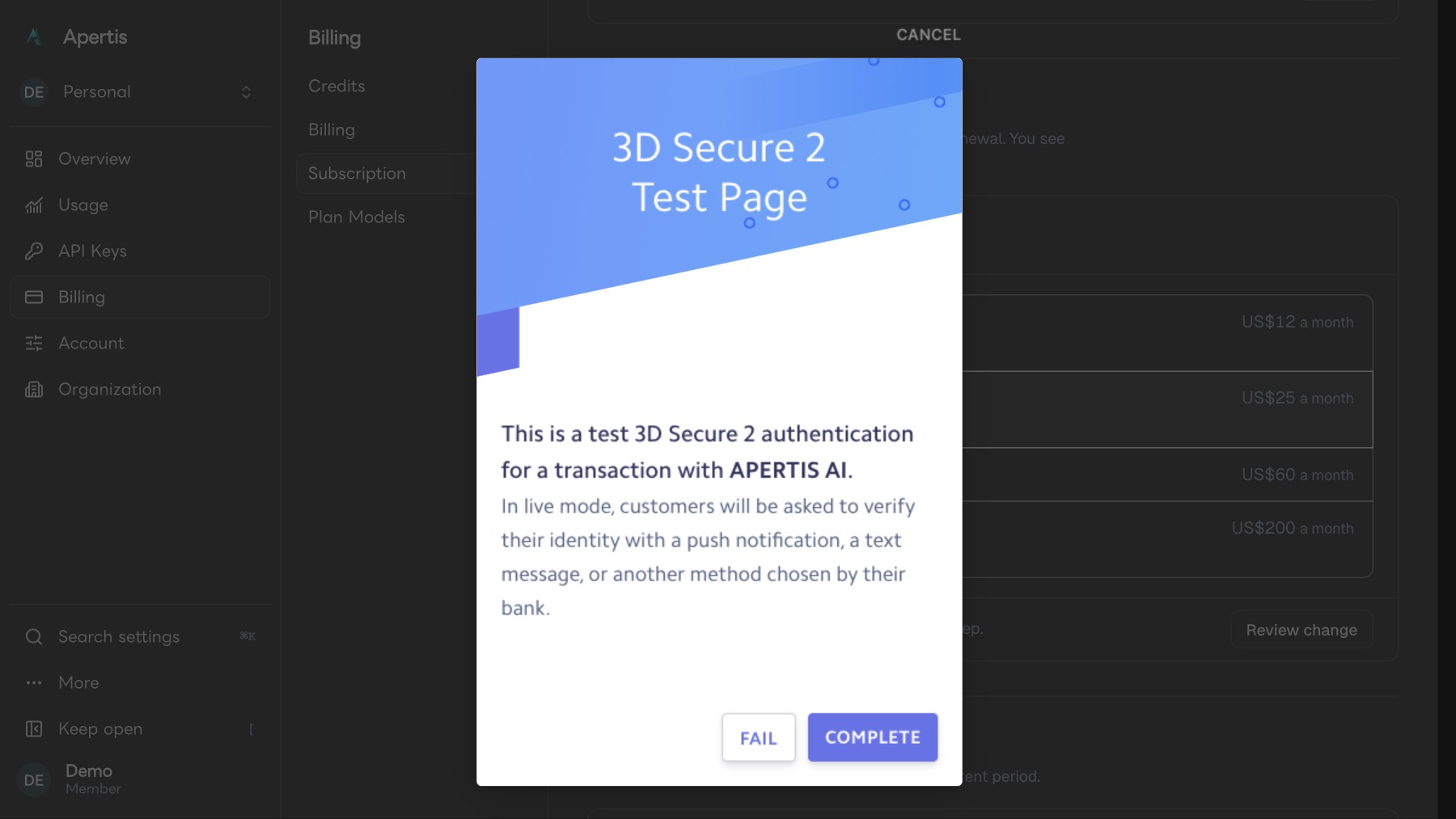
If the bank does not confirm, nothing changes: the dialog says "Your bank didn't confirm the payment. Your plan hasn't changed." and you can pay again from the same review.
See when a failed payment is retried, or pay now
When a renewal payment fails and your plan is paused, the dashboard shows the amount and the date of the next automatic retry, with a Pay now button, for example "The next automatic retry of US$25 is on November 28, 2026 at 3:00 PM, or pay it now to restore access."
Pay now pays the open invoice with your default card. When it goes through, the page says "Payment received" and updates once access to the plan is back. If no retry is scheduled, the dashboard says so and offers Pay now.
A Billing tab
Settings now has a Billing tab: your saved cards and the one charged by default, your invoice details, and your billing history with each charge and its receipt.